
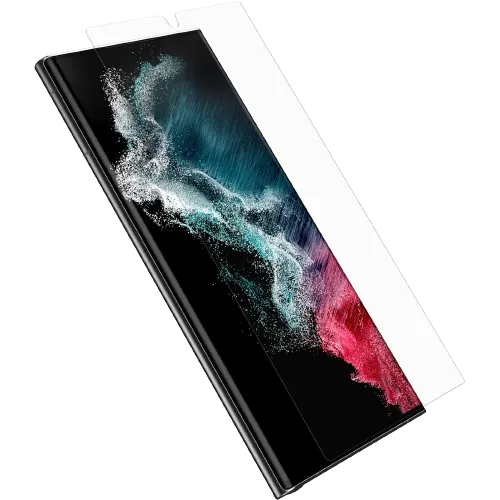


What should I do if my Samsung Galaxy S22 Ultra screen gets damaged?
Dealing with a damaged Samsung Galaxy S22 Ultra screen can be stressful, but here are the steps to take:
- Assess the Damage: Examine the extent of the damage. If it's a minor scratch, a screen protector may help. If the glass is cracked or the picture is damaged, the screen needs replacing. If the phone also got wet, switch it off and bring it in.
- Backup Your Data: If the screen is still partially functional, back up your important data. Use Samsung's Smart Switch app or connect to a computer to ensure your data is secure.
- Avoid DIY Fixes: While there are DIY repair kits, attempting to fix the screen yourself may lead to further damage. It's advisable to seek professional assistance.
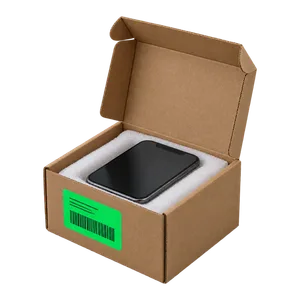
- Visit Our Repair Shop: Bring your Galaxy S22 Ultra to Good Zone at 1722 Kings Hwy, or mail it in. Diagnostics cost $75 and count toward the repair if you go ahead.
- Get a Quote: Once we've assessed the damage, we'll provide you with an estimate outlining the cost and details of the screen repair.
- Approved Repair: Only upon your approval, our technicians will proceed with the screen repair.
- Testing: After the repair we test touch across the whole screen, the picture, brightness and the fingerprint sensor.
- Device Pickup: Once the repair is complete, you can pick up your phone from our shop. Repairs come with a 30-day limited warranty.