
How to clean Samsung charging ports?
You can do this by using a toothpick to gently remove dirt. Also, you can use compressed air to remove deposited dirt.
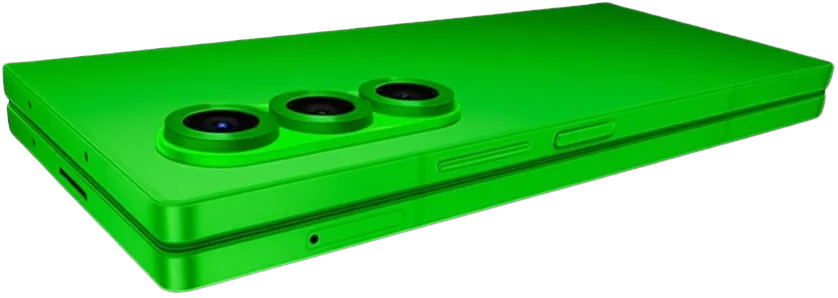
Are you having trouble charging your mobile phone, must you wiggle your pin before it starts receiving power or is it not receiving power? Don't be disturbed by a faulty charge connector, bring your device to us and we'll fix it.
Our technicians have more than 15 years of repair experience. We find the cause first, because a phone that will not charge can have a dirty port, a worn port, a bad cable or a worn battery.
Why not reach out to us via the channels below?
If you're experiencing a problem with your charging port, you can try to remedy it by cleaning it. Clean it by gently using a toothpick or compressed air to remove dirt. If after cleaning it you still encounter the problem then it might be broken.
Before you come in, try another cable and charger and restart the phone. If the phone shows "Moisture detected" and it really got wet, switch it off and bring it in; do not dry it with heat.
Depending on the model, we replace the port itself or the small board or flex cable it sits on, and we tell you which after diagnostics. If the fault is rising from a defective flex cable, then we'll swap it. Sometimes a faulty battery can lead to a handset not receiving power; see our Samsung phone battery replacement page.
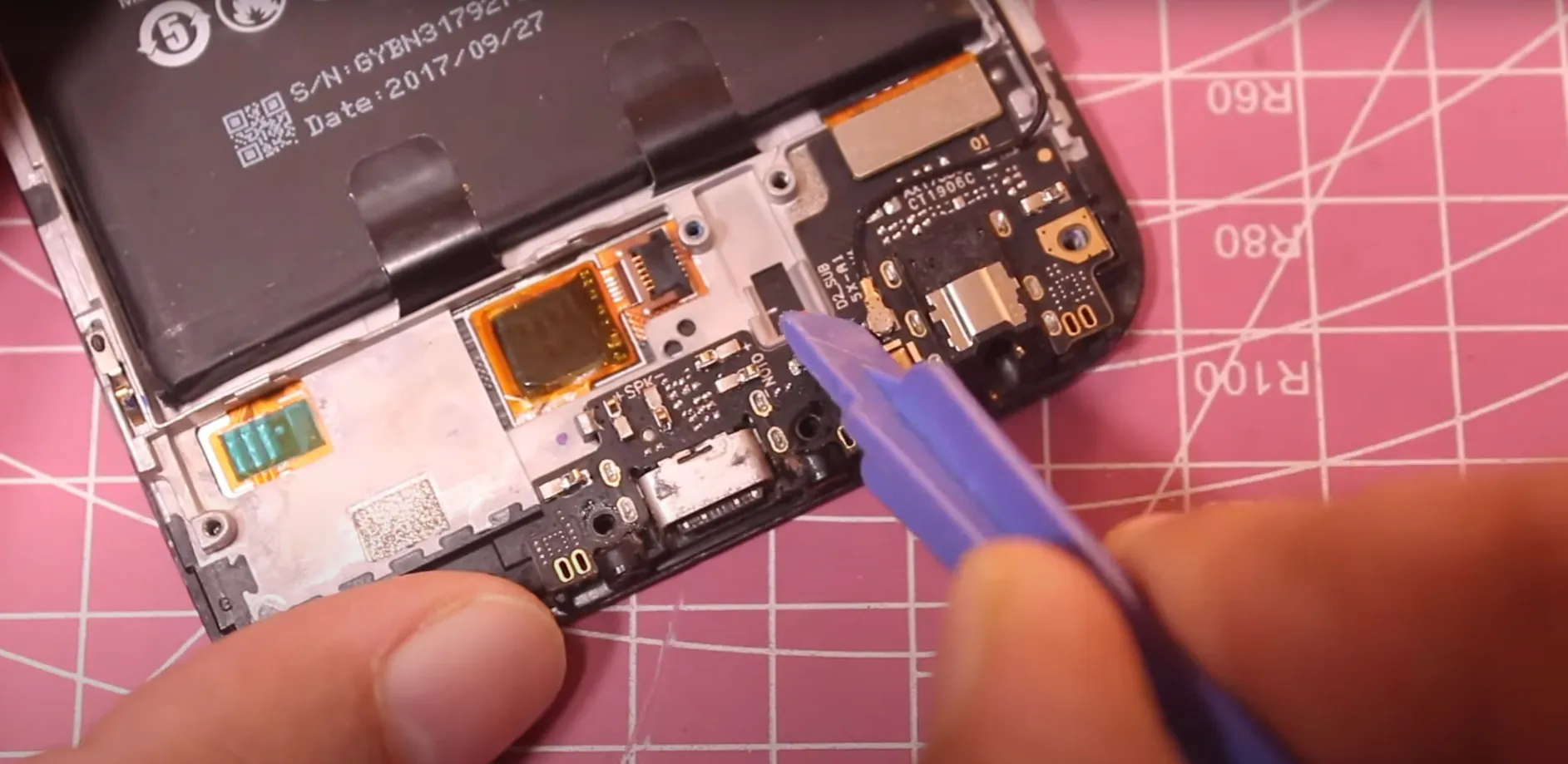
We'll also offer you a consultation to allow you to understand the defect and also simple ways to try and remedy it.
The price depends on the Galaxy model and the part, so we quote it after diagnostics. Diagnostics cost $75 and count toward the repair if you go ahead. You approve the price before any work starts; nothing is repaired without your yes. Time depends on the fault; we tell you after diagnostics. Repairs come with a 30-day limited warranty; water-damage repairs have no warranty. In the store you can pay by cash or card.
For comprehensive device care, also check out our Samsung Galaxy phone repair services. If the port stopped working after liquid got in, see Samsung phone water damage repair.
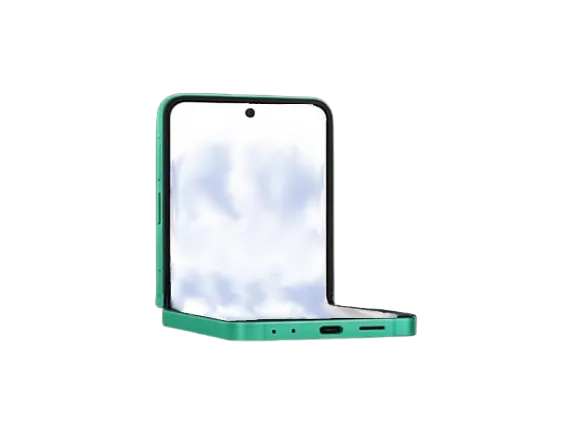
After investing in a professional Samsung Galaxy charging port repair, it's crucial to protect that investment. Many users unknowingly damage their newly repaired ports through improper care. Here are three common mistakes to avoid:
A cheap or damaged cable can cause loose connections, leading to intermittent charging. Use a cable in good condition that fits the port firmly.
Even after a repair, your charging port can accumulate debris over time. Avoid these cleaning mistakes:
Instead, use compressed air or a soft brush designed for electronics. For stubborn debris, visit our Midwood location.
Be alert for these red flags:
If you notice any of these issues, don't wait for them to worsen. Don't let simple mistakes undo the benefits of your Samsung Galaxy charging port repair.
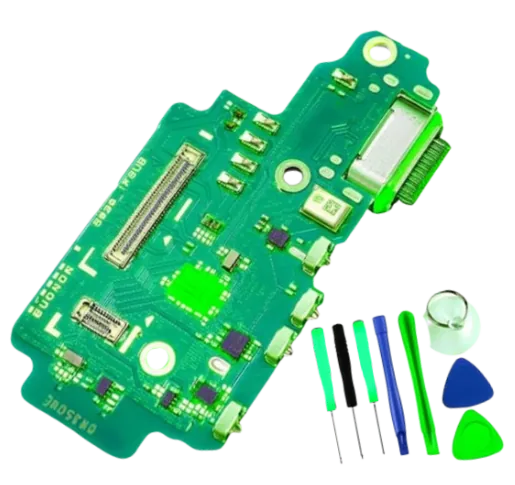
When your Samsung Galaxy's charging port needs repair, you can choose between mail-in and walk-in service. At Good Zone in Brooklyn, we offer both options.
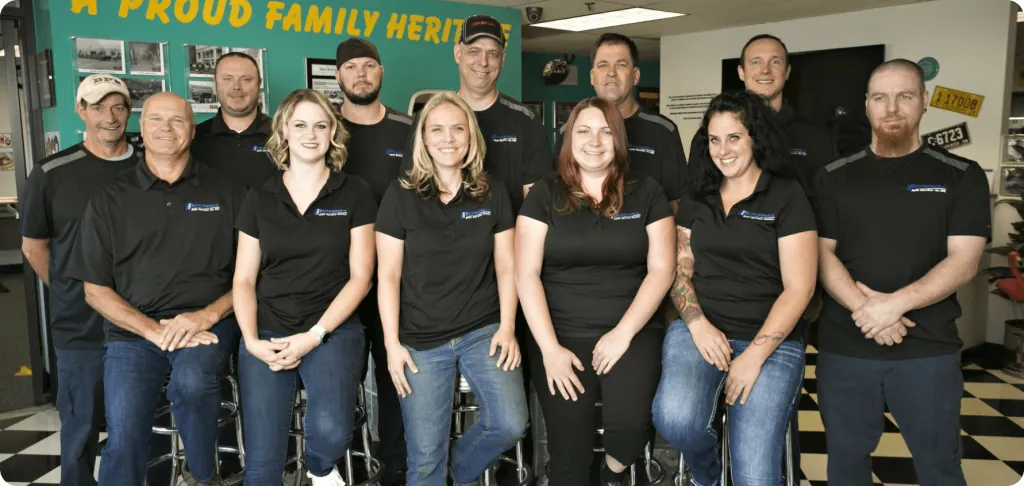
Good Zone Shop & Repair Service is located in Brooklyn. Our service provides customers with fast, fair, and affordable device repairs.
No longer needing to worry about purchasing new devices because of unexpectedly costly repair fees, GoodZone repair is the perfect solution for you.

You can do this by using a toothpick to gently remove dirt. Also, you can use compressed air to remove deposited dirt.
First and foremost clean the port using a toothpick or compressed air. If your Galaxy supports wireless charging, use a wireless charger until the port is repaired.
Yes. Repairs come with a 30-day limited warranty. Water-damage repairs have no warranty.