Experiencing Issues with Your Asus Rog Ally or Rog Ally X?
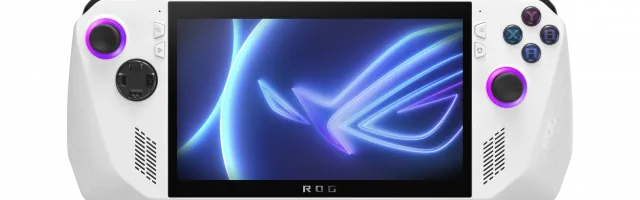
The Asus Rog Ally is a portable gaming console with a lot packed into a small case. Gamers like what it can do, but not all service centers will take on a repair.
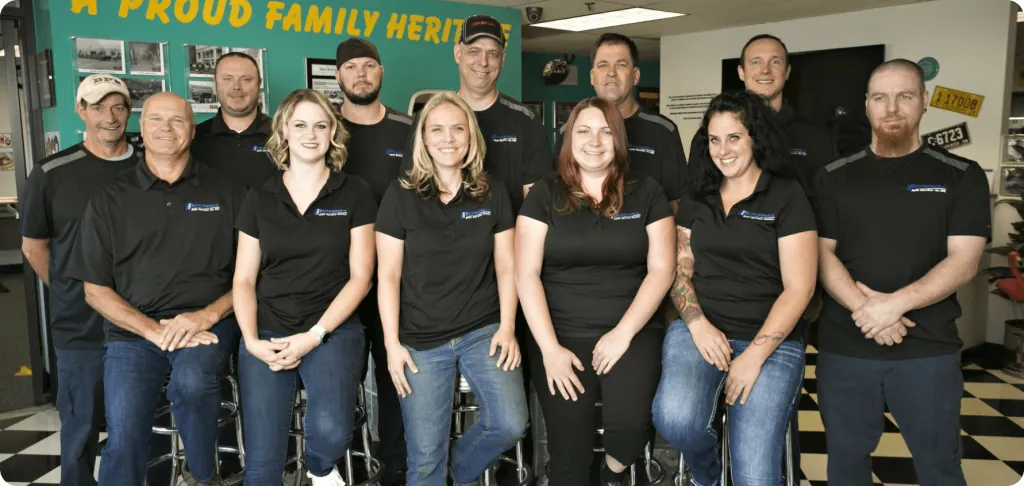
Good Zone has 15+ years of repair experience, and our engineers know how to take this device apart and put it back together for an Asus Rog Ally repair. If you are having problems with your gaming console, our team is ready to help.
Asus Rog Ally Repairs in Brooklyn
You're probably wondering which technical problems we can fix. The services we provide include:
- repair of water damage;
- battery replacement;
- replacement of damaged housing;
- cleaning or replacing ports, etc.
Some gamers will take the risk and try to fix their console themselves. We advise against it. You can remove a few screws and take off the back cover, but the display is glued tightly to the front panel, and many other details complicate an Asus Rog Ally repair. A slip at this stage can turn one fault into two.
Another difficulty is finding spare parts. Parts for the Asus Rog Ally can be hard to find at retail, which is one more reason owners struggle to do an Asus Rog Ally repair on their own. Parts options depend on your device model and repair. Before work begins, we explain the available option and confirm it with you.
Clear Estimates Before Any Work
By contacting us, you'll get a consultation from our engineers and a diagnosis of the console. We'll find out what is wrong and offer you options for solving the problem, with an estimate so you know the repair cost before you decide. If we find a way to reduce the cost, we'll let you know. For example, instead of replacing the charging port, we may suggest cleaning it if that will solve the problem. Nothing is repaired without your yes.
Why Choose Good Zone Repairs?
- Experienced Repair Engineers. Our team of skilled repair engineers has experience with Asus Rog Ally devices, so your console is in capable hands.
- Wide Range of Repairs. We work on the screen, controls, battery, ports, cooling, storage and motherboard. The diagnostics we run before repairs show the extent and cost of the repair in advance.
- Limited Warranty. Most repairs have a 30-day limited warranty. Water damage repairs and customer-supplied parts have no warranty.
- Walk In or Mail In. Bring your console to our store on Kings Hwy, or use our mail-in service if you aren't in Brooklyn.
Asus Rog Ally Repair Cost
The price of an Asus Rog Ally repair depends on the model and the part, so we quote after inspection. Request a quote through the form on this page or bring the console in. Diagnostics cost $75 and count toward the repair if you approve it.
These are the repairs we do for each ROG Ally model.
ROG Ally (AMD Ryzen Z1) Repairs
- Screen replacement
- Joystick/thumbstick repair
- Battery replacement
- Motherboard repair
- Charging port repair
- Cooling system repair
- SSD replacement
ROG Ally (AMD Ryzen Z1 Extreme) Repairs
- Screen replacement
- Joystick/thumbstick repair
- Battery replacement
- Motherboard repair
- Charging port repair
- Cooling system repair
- SSD replacement
ROG Ally X Repairs
- Screen replacement
- Joystick/thumbstick repair
- Battery replacement
- Motherboard repair
- Charging port repair
- Cooling system repair
- SSD replacement
Typical faults include a cracked screen, stick drift, a battery that drains too fast, overheating or a noisy fan, and a loose charging port. Tell us what you are seeing when you request a quote.
SD Card and SSD Problems on Your ROG Ally
Storage issues can be a major headache for ROG Ally owners. If the SD card reader has stopped working or the SSD is failing, bring the console in and we'll check it.
SD Card Reader Failures
Many ROG Ally users have reported SD card reader failures that keep them from expanding their game libraries. We'll look for the cause, whether it's a loose connection, a damaged component or a firmware glitch, and quote the repair.
The Risks of DIY Repairs
Some tech-savvy users are tempted to attempt ROG Ally repairs themselves, but we advise against it. The compact design and small components make DIY work challenging. Improper handling can lead to:
- Accidental damage to delicate internal components
- Data loss
- Incomplete repairs that get worse over time
Data Recovery
If you've lost data because of an SD card failure or another issue, don't panic. Stop using the console and tell us what happened. We'll check what can be retrieved, such as game saves and screenshots, and explain your options before any work starts.
Armoury Crate and Software Problems on Your ROG Ally
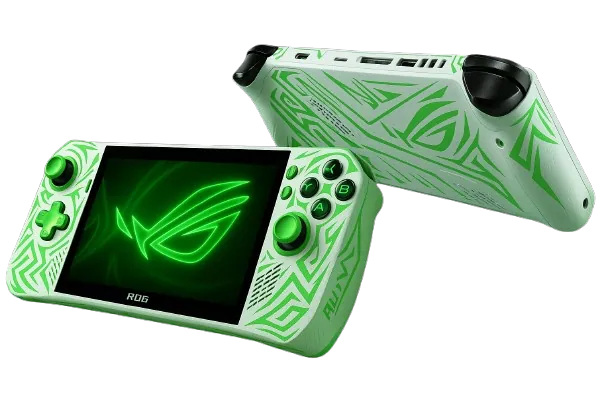
Armoury Crate is the software at the heart of your ROG Ally. When it misbehaves, it can spoil your gaming sessions. We check whether the problem is in the software or the hardware.
Common Armoury Crate Issues We See
- Unresponsive controls or button mapping failures
- Performance mode switching problems
- Fan curve customization errors
- RGB lighting malfunctions
- Game library detection issues
- Frequent crashes or freezes
OS Reinstallation
In some cases, Armoury Crate issues come from deeper operating system problems. A clean install can give your ROG Ally a fresh start:
- Complete Windows 11 reinstallation with all necessary drivers
- Bloatware removal
- Latest BIOS and firmware updates
Tell us first if you have files you want to keep.
BIOS and Startup Problems
If your ROG Ally stopped working after a BIOS update or won't start, bring it in. We look at:
- Failed BIOS updates
- Boot loop and startup issues
ROG Ally Charging Problems
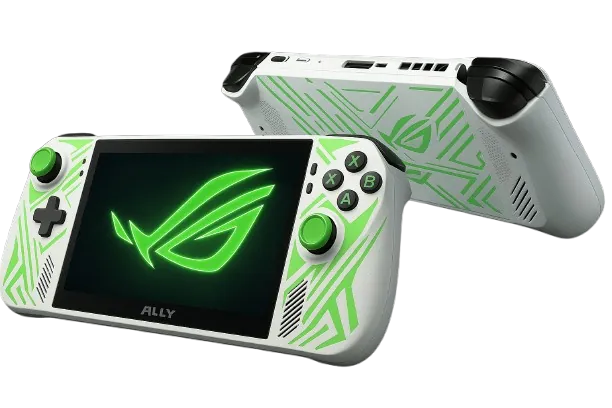
Recurring charging issues on your ROG Ally are frustrating, and the cause is not always the port. We go beyond simple troubleshooting to find where the power problem starts.
Common ROG Ally Charging Issues We See
- Device not recognizing the charger
- Intermittent charging or slow charging speeds
- Battery draining rapidly even when plugged in
- Overheating during charging cycles
- USB-C port damage or misalignment
How We Find the Cause
Good Zone follows a step-by-step process to pinpoint the root cause of your ROG Ally's charging problem:
- Visual inspection of the USB-C port for physical damage
- Testing with a known-good charger to rule out the adapter
- Voltage and amperage measurements at the charging port
- Inspection of the internal components
- Battery health check
Why Choose Good Zone for Your ROG Ally Charging Repair?
Here's what you can expect from us:
- Parts Options: Parts options depend on your device model and repair. Before work begins, we explain the available option and confirm it with you.
- Experience: Our shop has 15+ years of experience with phones, computers and game consoles.
- Clear Pricing: You get a quote after inspection, before any repair starts.
- Your Decision: Nothing is repaired without your yes.
- Testing: We test the repaired console before it goes back to you.
Don't let charging issues keep you from enjoying your ROG Ally. Contact Good Zone today for a diagnostic and request a quote.