Battery replacement
$120
Parts and labor included, tax additional. You see and approve the total price before any work starts.
Battery replacement
$120
Come to us at Good Zone Service & Repairs. We handle iPhone 13 battery replacements once we have diagnosed that it is indeed a battery issue. iPhone battery replacement takes 30–60 minutes, and repairs come with a 30-day limited warranty.
Either bring in your phone or mail it in through our mail-in repair service for an iPhone 13 battery replacement.
Signs your iPhone 13 battery is worn out:
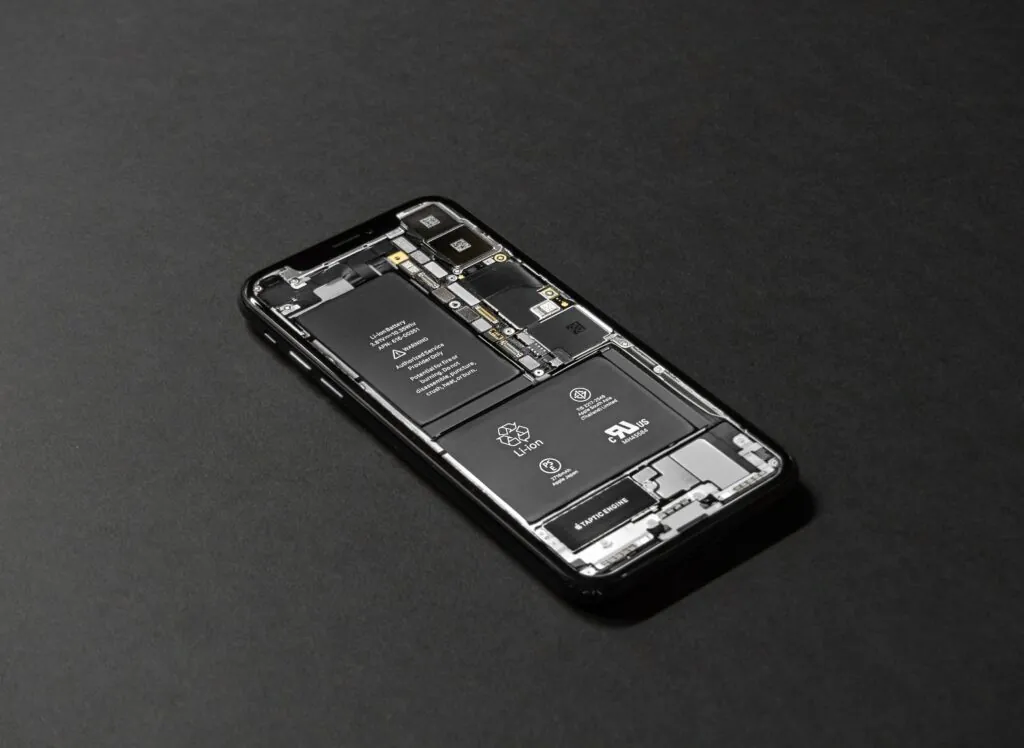
Components for a battery have lithium-ion which operates in charging cycles. If these cycles start becoming short and incomplete, they are signs an iPhone 13 battery replacement is needed. To elongate your iPhone 13 battery life, avoid using cheap chargers.
Bring it to us. Doing it yourself may not be ideal since a punctured battery can catch fire. Also, there are different parts to remove to access iPhone 13 battery. Once your phone battery reaches its end of life, we can help replace it.
Professionally we undertake one or more of these listed steps:
If the phone still charges slowly with a new cable, the port may be the cause; see iPhone 13 charging port repair.
Our technicians have more than 15 years of repair experience. What you get:
Other repairs for this model are on our iPhone 13 repair page.
The iPhone battery replacement price for the iPhone 13 is shown near the top of this page. If the fault turns out not to be the battery, diagnostics cost $75 and count toward the repair if you go ahead.
Before you come in, back up your iPhone and bring your charging cable if you suspect it. For other models, see iPhone battery replacement.

Good Zone Shop & Repair Service is located in Brooklyn. Our service provides customers with fast, fair, and affordable device repairs.
No longer needing to worry about purchasing new devices because of unexpectedly costly repair fees, GoodZone repair is the perfect solution for you.

There are two ways, either gently tap your iPhone against your hand and face the Lightning connector down to allow passage of excess liquid. Or also, you can use the Water eject shortcut app. Search online and download and follow the steps to use it.
Yes. However, note there is actually a difference between being water-proof and being water-resistant. Even though they are water-proof, a long duration in water does not guarantee it is water-resistant as water sips into major parts
Yes. Tests carried out have proven certain parts of iPhone water-damaged parts malfunction after the water effect. Especially where contact with water is a bit long.
Some iPhone 13 water-damaged phones have been known to have speaker issues.