

Can you replace the GPU in a MacBook?
The GPU is soldered to the logic board, so it is not a part you can swap like a desktop graphics card. Whether a board-level repair is possible depends on the model and the fault; we tell you after diagnostics.
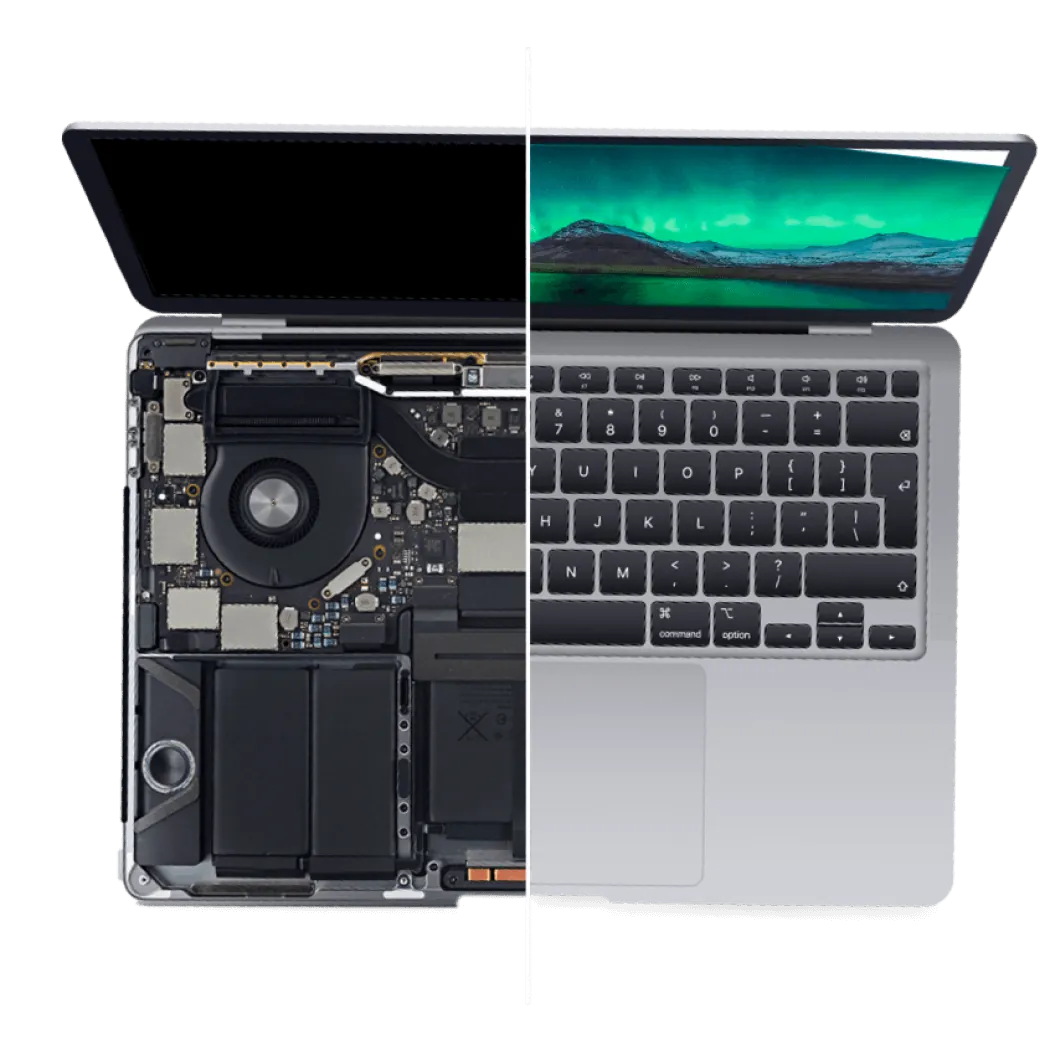
Let's all agree you're probably here because your MacBook Pro display shows multi-colored horizontal stripes or continuously flickering. The culprit is often a deficient GPU, but not always.
The symptom is generally an indicator of a deficient GPU. However, some MacBook models exhibit similar issues due to deficient video signal transmission cable (LVDS) and deficient power governing circuits. Our diagnosis finds which part is at fault.
A board-level repair is not always possible. After diagnostics we tell you whether a repair makes sense for your MacBook Pro.
You approve the price before any work starts; nothing is repaired without your yes.
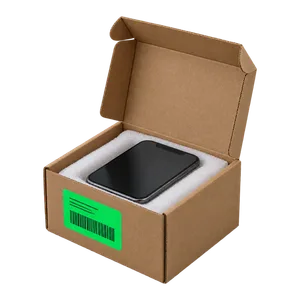
You can bring your MacBook Pro to us via either of these options:
Some of the common symptoms of a flawed GPU are flickering displays and multiple colored horizontal stripes. Others are a black screen, or a Mac that freezes or restarts when the graphics are under load.
The foremost step to rule out defective displays is to connect an external monitor and observe if the defect represents itself. If the defect persists on the external monitor, the GPU or the board around it is likely at fault; if the external picture is clean, the screen or its cable is the more likely cause.
Sometimes the transmission cable may be faulty causing a distorted view. Some models display GPU errors even though the culprit here is faulty circuitry that is responsible for governing the power supply, not the GPU chip itself.
We'll do a detailed examination to determine the condition of the GPU chip by checking the soundness of its soldered joints. We also check the power circuits around it.
Before you come in, back up your files if the MacBook still starts (an external monitor may help), and bring the charger. If liquid got inside, switch the MacBook off and bring it in.
Pick any day of your liking and walk in, since we're open daily.
Graphics faults on other Mac laptops are covered on our MacBook GPU repair page, and other board faults on our MacBook logic board repair page.
The fees for repairing MacBook Pro GPU are largely dependent on its model and on what failed. We quote after diagnostics. Diagnostics cost $99 and count toward the repair if you go ahead. Time depends on the fault; we tell you after diagnostics. Repairs come with a 30-day limited warranty. Other MacBook Pro faults are on our MacBook Pro repair page.

Good Zone Shop & Repair Service is located in Brooklyn. Our service provides customers with fast, fair, and affordable device repairs.
No longer needing to worry about purchasing new devices because of unexpectedly costly repair fees, GoodZone repair is the perfect solution for you.

The GPU is soldered to the logic board, so it is not a part you can swap like a desktop graphics card. Whether a board-level repair is possible depends on the model and the fault; we tell you after diagnostics.
Yes. Some models like MacBook Pro 16 utilize both an Intel Core processor and a Radeon Pro GPU. In later releases of these laptops, the graphics cores are found in the Apple chip, such as the M1 Pro.
Depending on the MacBook model, many older models use an Nvidia GPU, later Intel models use AMD's Radeon Pro GPU, and Apple silicon models use the graphics built into the M1, M2 or later chip.