
Is it okay to leave my Surface Pro plugged in all the time?
Yes, it is. Newer Surface devices can limit the charge level to reduce battery wear; check the battery settings in the Surface app.
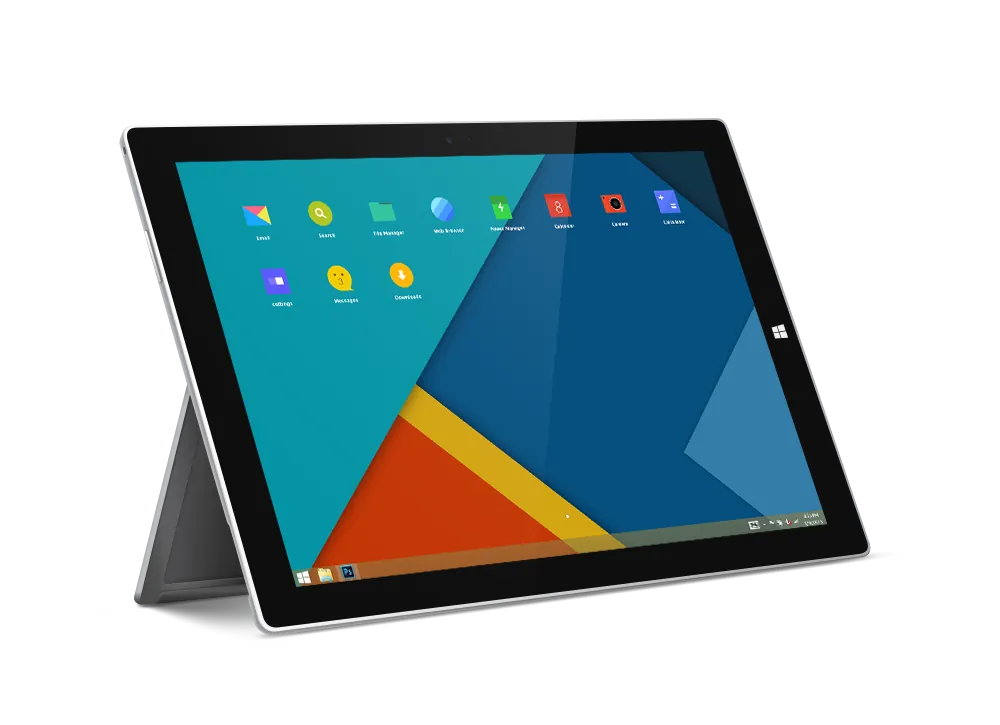
It is a serious problem when a battery begins to develop issues or is totally damaged and doesn’t work anymore. Even when the battery still works but dies quickly or the device just goes off on its own, it is due for a replacement.
Other signs: the Surface shuts down at a high charge level, will not charge past a certain level, or the screen or case starts to bulge. A bulging case means a swollen battery: stop using and charging the device and bring it in.
You can bring in the device any day, 10 AM to 7 PM, or mail it to us through our mail-in repair service.
It would have been easy for users to replace the battery themselves if it were removable. But in the case of the Microsoft Surface, the battery is built in and therefore more technical to replace. On most Surface Pro models the screen has to come off to reach the battery. It is best to leave this to us, the experts.
We will properly diagnose the problem to know if it is actually from the battery or some other component. If the problem is the battery, we will replace it. If it has a different problem, we will take care of it. If the Surface does not charge at all, the cause can be the charging port or the charger; see Microsoft Surface charging port replacement.
It is dangerous to do it yourself or give it to your day-to-day technician. It is very easy to make a mistake, such as cutting vital wires or damaging other components while trying to change a battery.
Our technicians have more than 15 years of repair experience.
Contact us today for your battery replacements and get a consultation. We also fix other Surface faults; see all our Microsoft tablet repair services.
The cost depends on your Surface model and on whether other parts, such as the screen, are damaged. Surface battery replacements are quoted after diagnostics.
Diagnostics cost $75 and count toward the repair if you go ahead. You approve the price before any work starts; nothing is repaired without your yes.
Repair time depends on the fault; we tell you after diagnostics. Repairs come with a 30-day limited warranty.
Before you come in, back up your files and bring the charger.

Good Zone Service & Repairs is located in Brooklyn. Our service provides customers with fast, fair, and affordable device repairs.
No longer needing to worry about purchasing new devices because of unexpectedly costly repair fees, Good Zone Service & Repairs is the perfect solution for you.

Yes, it is. Newer Surface devices can limit the charge level to reduce battery wear; check the battery settings in the Surface app.
Battery life depends on the model and on how you use it. The battery life decreases over time, but the rate at which it decreases can be significantly reduced by doing these:
While the device is on charge, follow these steps:
You might need a Microsoft Surface Pro battery replacement if this doesn't address the issue.