
How do I get data off my old computer?
To speed up the transfer, you can use web transfers or cloud storage, HDD or SSD drives, LAN or Wi-Fi, or software.
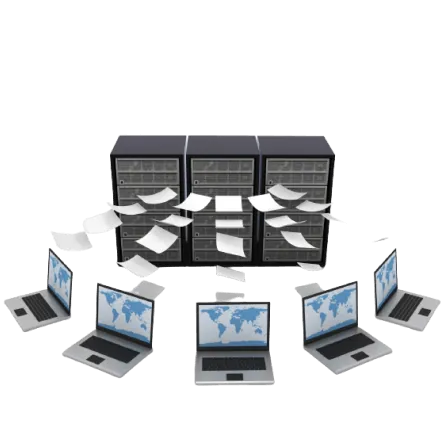
Though full recovery services can save you a world of inconvenience, it’s not always necessary. In some occasions, moving files is all you should do. Maybe your PC is dead, but the hard drive is still working, and you want to move files to an external hard drive.
Or maybe your external drive is misbehaving, and you need to salvage your pictures, videos, or sensitive documents. You can move the files to your PC without making a full recovery. Files transfers are better than a full recovery because:
If you need to save some files from a failing drive, bring it to Good Zone Service & Repairs and we check what can still be read before we quote. If the drive itself has to go, see laptop hard drive replacement. Contact our team for a consultation and guidance on how to transfer data to the new computer.
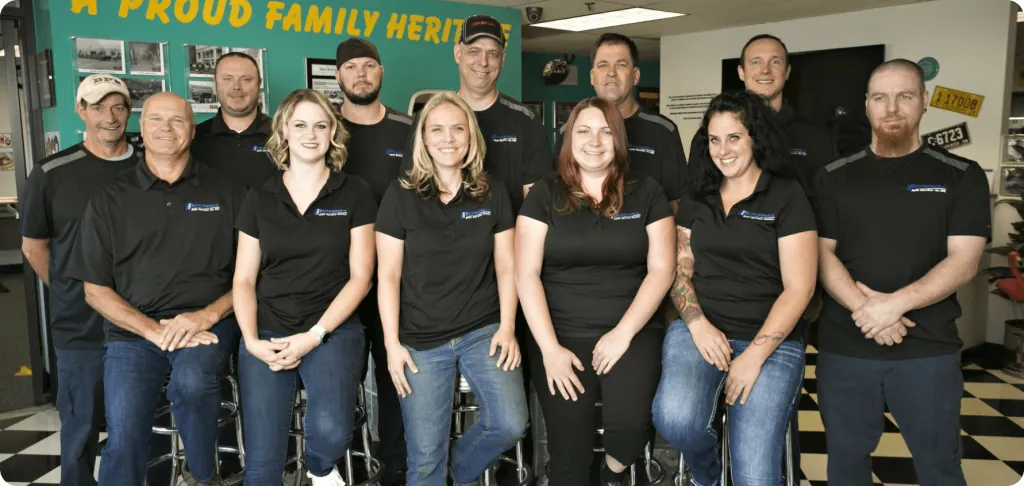
Good Zone Service & Repairs is located in Brooklyn. Our service provides customers with fast, fair, and affordable device repairs.
No longer needing to worry about purchasing new devices because of unexpectedly costly repair fees, Good Zone Service & Repairs is the perfect solution for you.
To speed up the transfer, you can use web transfers or cloud storage, HDD or SSD drives, LAN or Wi-Fi, or software.
You can use different methods, including connecting the hard drive to another PC using a USB adapter cable. Alternatively, you can use the hard disk to build an external HDD or install the HDD on your new laptop.
Yes. Unless the hard drive in the dead PC is also damaged, you can still access data in it. All you need to do is plug the hard drive into the new PC using a USB adapter. This does not work on laptops whose storage is soldered to the board, such as recent MacBooks; bring those in for a check.