Windows Reinstallation Cost: Good Zone Brooklyn Services
Windows Reinstall Services in Midwood, Brooklyn
At Good Zone, we provide Windows reinstallation services for Windows laptops and desktop PCs. The price depends on what the computer needs, for example a clean install, drivers or a backup first, so it is quoted after diagnostics, and you approve it before any work starts.
Why Choose Good Zone for Windows Reinstallation in Brooklyn
- A quote before any work starts; nothing is done without your yes
- Diagnostics before the work starts
- Repairs come with a 30-day limited warranty
- Convenient Midwood location with no appointment needed, open 7 days a week, 10 AM to 7 PM
Common Windows Reinstallation Questions
What's the difference between Windows 10 and Windows 11 reinstallation?
Windows 11 reinstallation requires hardware compatibility checks including TPM 2.0 verification. Our technicians perform these checks and tell you if your computer cannot run Windows 11.
Will I lose my files during Windows reinstallation?
A clean reinstall erases the drive, so back up your important files before reinstallation. Tell us before the work starts if you need help with that; see our data transfer service.
How long does Windows reinstallation take?
Time depends on the computer and the service; we tell you after diagnostics.
Maximizing Your Laptop's Performance After Windows Reinstallation
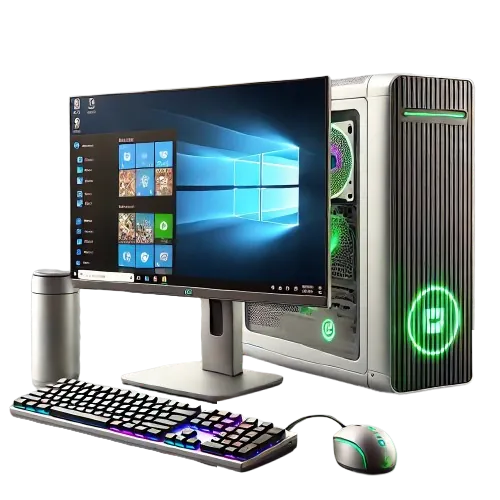
At Good Zone, we understand that reinstalling Windows is just the first step in getting your laptop back to peak performance. Many users face frustrating issues after a fresh install, from missing drivers to activation errors. That's why we check drivers and activation after a fresh install.
Driver Installation and Updates
One of the most common headaches after a Windows reinstall is missing or outdated drivers. Our technicians identify and install the correct drivers for your specific laptop model, so all hardware components function properly. We pay special attention to:
- Graphics card drivers for optimal display performance
- Network adapter drivers for Wi-Fi and wired internet
- Audio drivers for sound
- Touchpad and keyboard drivers for responsive input
Windows Activation Troubleshooting
Activation errors can prevent you from accessing all of Windows' features. We help with activation issues, including:
- Product key recognition problems
- Digital license transfer for upgraded systems
- Activation server connection errors
Windows needs a valid product key or digital license to activate.
Data Migration
Worried about lost files after a reinstall? Back up before the work starts. We also offer data migration services to transfer your files to the fresh Windows setup.
After the Reinstall
After the reinstall we also set up the basics:
- Disabling unnecessary startup programs for faster boot times
- Configuring power settings for optimal battery life and performance
- Installing and configuring essential security software
- Updating Windows and installing the latest feature updates
Ensuring Hardware Compatibility for Smooth Windows Reinstallation
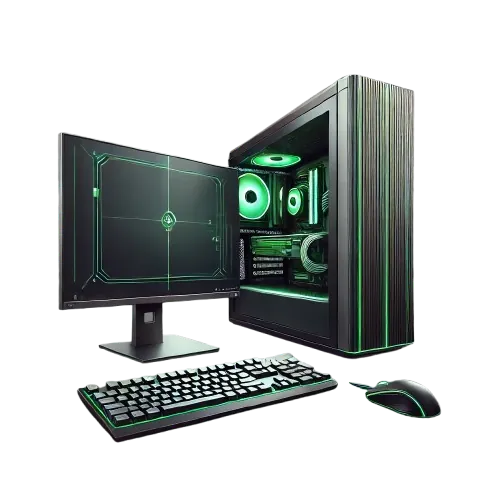
Windows reinstallation can fail due to hardware incompatibilities. These issues can range from frustrating blue screens of death (BSODs) to complete system failures. That is why we check the hardware first.
Comprehensive Hardware Diagnostics
Before proceeding with any Windows reinstallation, our team performs thorough hardware checks to identify potential compatibility issues. This process includes:
- Memory module verification to detect faulty RAM or incompatible configurations
- GPU compatibility testing, especially crucial for systems with dedicated graphics cards
- SSD and HDD health assessment to prevent data corruption during installation
- BIOS/UEFI configuration review to ensure optimal settings for Windows
Emergency Boot Failure Rescue: Breaking the Endless Reboot Loop
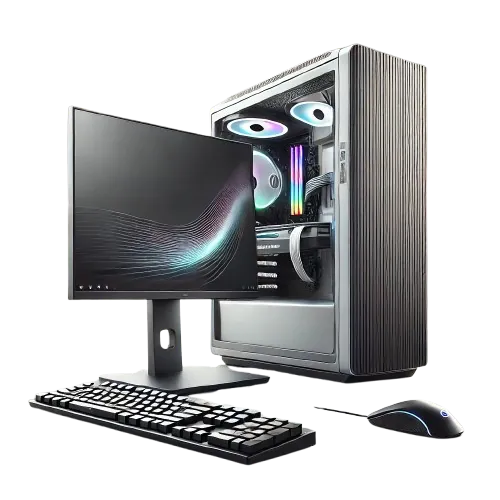
One of the most frustrating scenarios is the dreaded boot failure loop - where your laptop seems stuck in an endless cycle of reboots, never quite making it to the Windows desktop. We diagnose these cases before deciding whether a repair or a reinstall is needed.
Advanced Windows Recovery Environment (WinRE) Solutions
When standard reinstallation methods fail, we use the Windows Recovery Environment to diagnose and repair complex boot issues, for example:
- Repairing corrupted boot sectors using command-line tools
- Rebuilding the Boot Configuration Data (BCD) store to restore proper boot sequences
- Utilizing DISM (Deployment Image Servicing and Management) to repair system image corruption
If your computer is stuck in a reboot loop, bring it to 1722 Kings Hwy. Other computer faults are on our computer repair page.