


How do I install a service on a Mac?
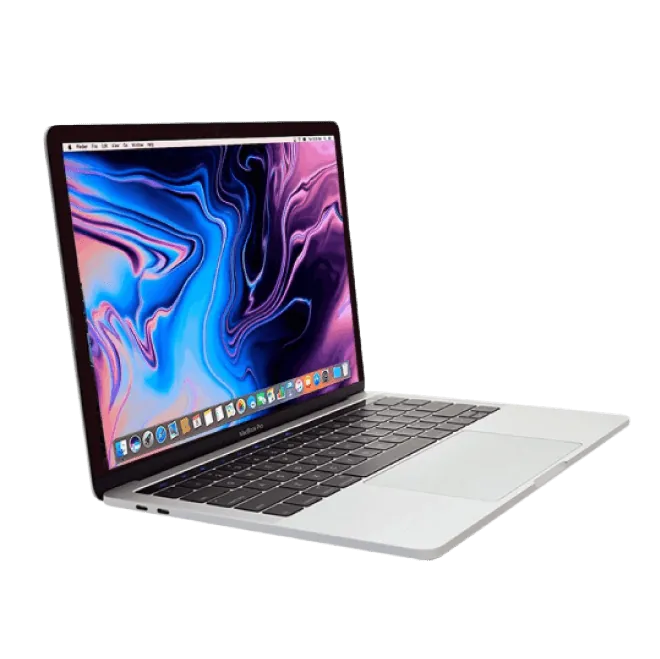
On your Mac device, navigate to Apple Menu, then System Preferences. Click on Keyboard, and then Shortcuts. Select Services in the sidebar menu, then choose items to avail them in the Services menu. If you wish to remove them, deselect them. Only items relevant to the task or app appear on the app Services menu.