
Can an iMac screen be fixed?
Yes. In most cases an iMac screen can be fixed by replacing the display or repairing the backlight, cable or board behind the fault. Visit Good Zone Service & Repairs and we quote before any work.
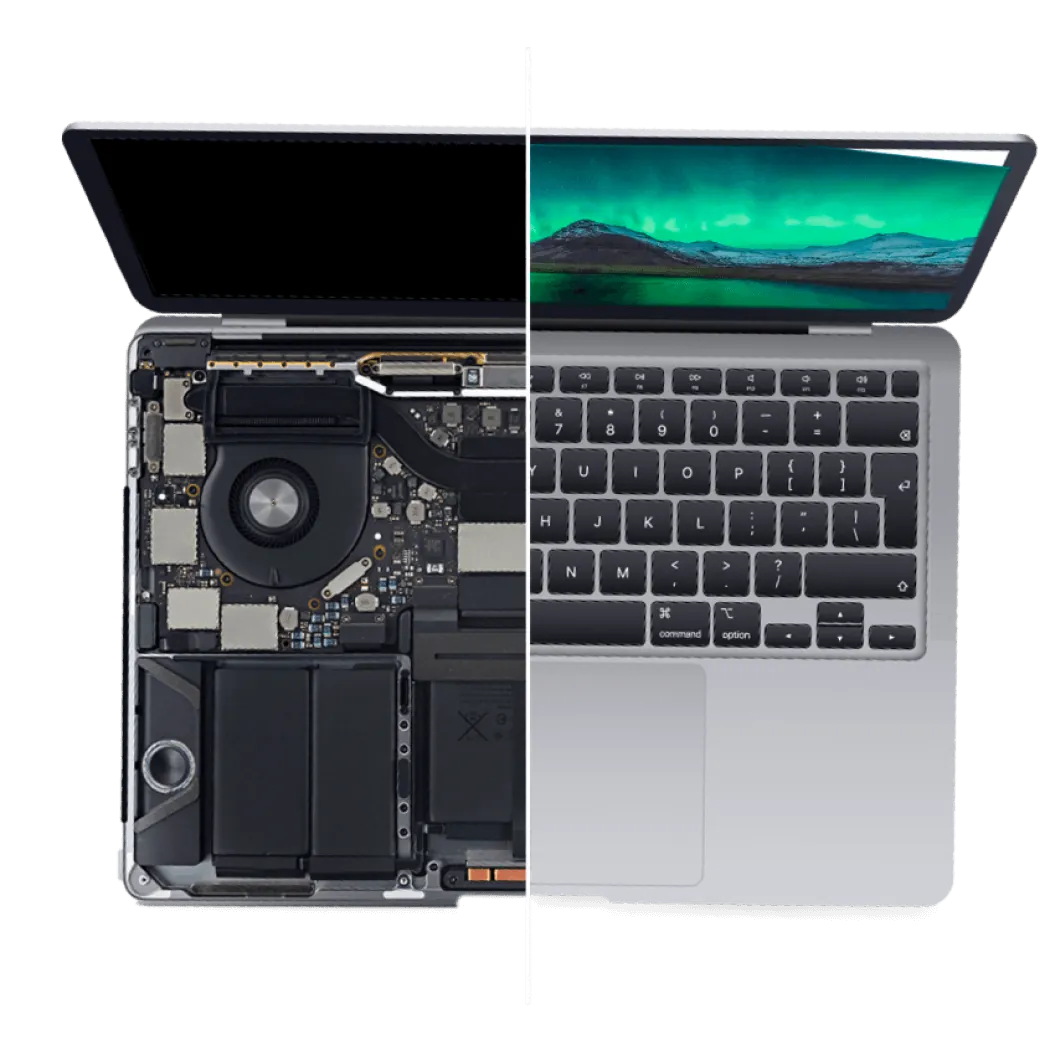
Is your iMac screen cracked, dark, flickering or showing lines? Some of these faults come from the display itself, others from the backlight, the display cable, the GPU or the logic board. Don't fret, we'll find the cause and fix it for you.
The faulty logic board signs are often similar to symptoms of a faulty screen or cable. This frequently leads to the wrong diagnosis by inexperienced technicians. If the fault turns out to be on the board, see our iMac logic board repair page.
At Good Zone Service & Repairs, we have a team of friendly iMac technicians who are experienced in repairing and supporting iMac.
We don't only focus on the repair but will also explain the causes and preventive measures for different faults.
Reach out to us through either of our convenient service options:
Some iMac screen faults like the flickering of the screen can sometimes be corrected by adjusting settings of SMC, NVRAM/ PRAM or by updating macOS.
Nevertheless, we do encourage you to visit us if you notice anything abnormal on your display. Some of these faults are indicators of other underlying issues.
Some of the common screen problems you might experience on your iMac are:
When you come we'll run a diagnostic test on your iMac to ascertain all problems. Diagnostics cost $75 and count toward the repair if you go ahead.

At Good Zone Service & Repairs, you're assured all your iMac screen repairs will be done professionally, and you approve the price before any work starts.
You won't need an appointment to come for the iMac screen repair, we are open 7 days a week, 10 AM to 7 PM, near the Kings Hwy B/Q station.
Time depends on the fault; we tell you after diagnostics. Repairs come with a 30-day limited warranty.
The iMac screen repair cost varies depending on the model, the screen size and whether the fault is in the display, the backlight or the cable. We quote after diagnostics. Diagnostics cost $75 and count toward the repair if you go ahead. You approve the price before any work starts; nothing is repaired without your yes.
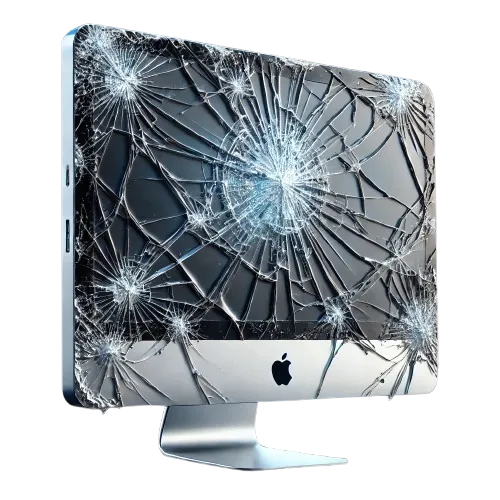
Understanding the nature of your screen damage can help you make informed decisions about repairs and potentially save you time and money. Let's break down the most common types of iMac screen damage we encounter in our Midwood shop.
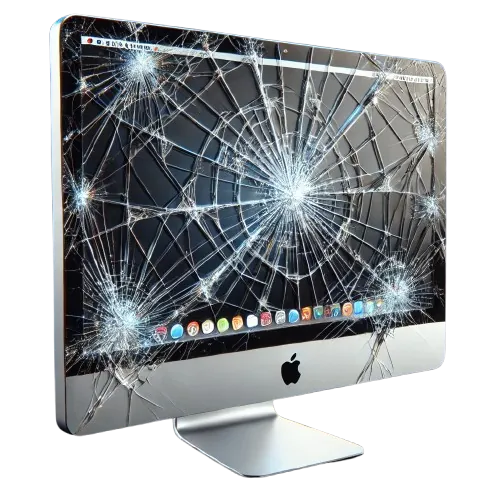
Cracks in your iMac screen can range from minor hairline fractures to spider-web patterns across the entire display. While small cracks might seem purely cosmetic, they can lead to bigger problems:
Our technicians recommend addressing cracks promptly to prevent further damage.
Dead pixels are tiny dots on your screen that remain black or stuck on a single color. While a few dead pixels might seem minor, they can indicate underlying issues:
Dead pixels are a fault in the panel itself, so the usual fix is a display replacement. Lines or blocks of wrong colors can also come from the cable or the GPU, which is why we test before we quote.
Backlight issues can turn your vibrant iMac display into a dim, barely visible screen. Common symptoms include:
If you can see a faint image when you shine a flashlight on the dark screen, the fault is usually the backlight or its circuit, not the panel. We test which one it is before we quote.
Some iMac screen issues are more subtle but equally frustrating:
These problems often stem from issues with the display controller or aging components. Our technicians run diagnostic tests to pinpoint the exact cause and explain the repair options.
If you cannot come to Midwood, send it with our mail-in repair service. More iMac services are on our iMac repair page.
Time depends on the fault; we tell you after diagnostics. You get a detailed explanation of the repair cost before work begins, and nothing is repaired without your yes. Payment in store is cash or card.

Good Zone Shop & Repair Service is located in Brooklyn. Our service provides customers with fast, fair, and affordable device repairs.
No longer needing to worry about purchasing new devices because of unexpectedly costly repair fees, GoodZone repair is the perfect solution for you.

Yes. In most cases an iMac screen can be fixed by replacing the display or repairing the backlight, cable or board behind the fault. Visit Good Zone Service & Repairs and we quote before any work.
Yes, a cracked Mac screen can be fixed by replacing the screen and repairing other affected parts by an experienced technician.
The cost of fixing an iMac varies depending on the model and the extent of the damage. We quote after diagnostics at our Midwood store. Diagnostics cost $75 and count toward the repair if you go ahead.