
What does it mean to repair a disk on Mac?
It means running First Aid in Disk Utility to check the drive and fix errors on it. If the drive itself has failed, it needs a replacement.
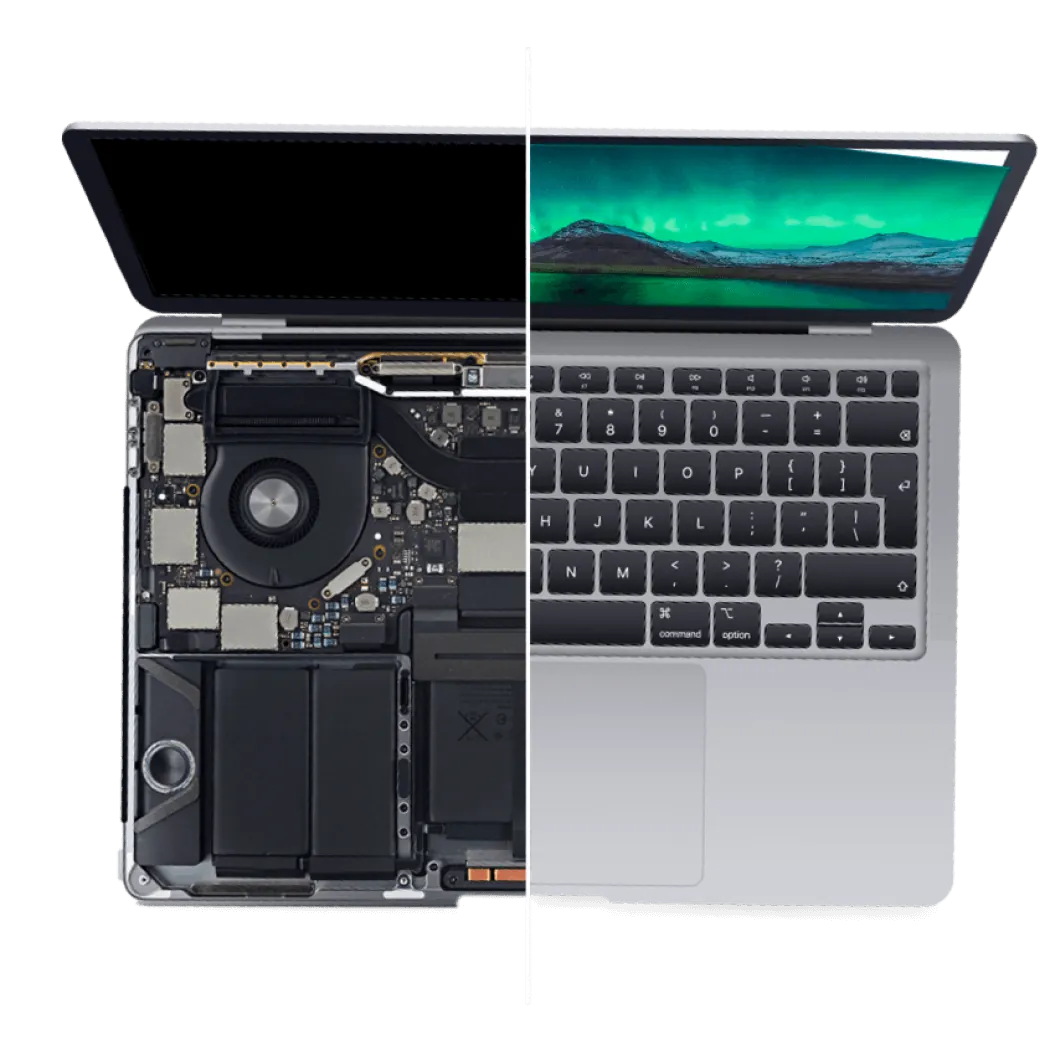
Does your MacBook run slowly? On older models, moving from a hard drive (HDD) to an SSD, or to a bigger SSD, can boost its speed. Moreover, any fault in the hard drive can be a big problem for your Mac.
To cope with such situations, Good Zone in Midwood, Brooklyn provides MacBook SSD Upgrade & Replacement Service.
In this concern, back up your personal info saved on your Mac, like your Photos, Videos, Documents, etc., before the upgrade. A new drive also needs a fresh copy of macOS; see our reinstall macOS service.
If you want to get our services, you can directly visit our store at 1722 Kings Hwy or send your MacBook through our mail-in repair service.
At Good Zone, we offer our MacBook SSD Upgrade or replacement service after we check the model and the drive. On recent MacBook models the storage is soldered to the logic board and cannot be upgraded, so we tell you first.
Here is what we do:
Moving from a hard drive to an SSD will enhance your Mac's durability, reliability, and energy efficiency, and an older Mac usually starts and opens apps faster. For other faults, see our MacBook repair page.
If your MacBook fails to start or shows a grey screen due to a defective drive, bring it to Good Zone for diagnostics.
What to expect:
Repairs come with a 30-day limited warranty. Customer-supplied parts carry no warranty.
If you want to get our MacBook SSD Upgrade or MacBook HDD Upgrade and replacement service or repair MacBook Disk, it’s better to know first about our service cost.
The upgrade is quoted after diagnostics. Diagnostics cost $75 and count toward the repair if you go ahead.
From our Midwood bench: from June to October 2026, 30 MacBooks came in to our Midwood store. 22 were repaired and handed back, 6 owners declined after the quote and 2 were still open on 9 November. The median bill on a completed MacBook repair was $188 and the median turnaround about 6 days, but each repair is priced case by case, quoted after diagnostics.
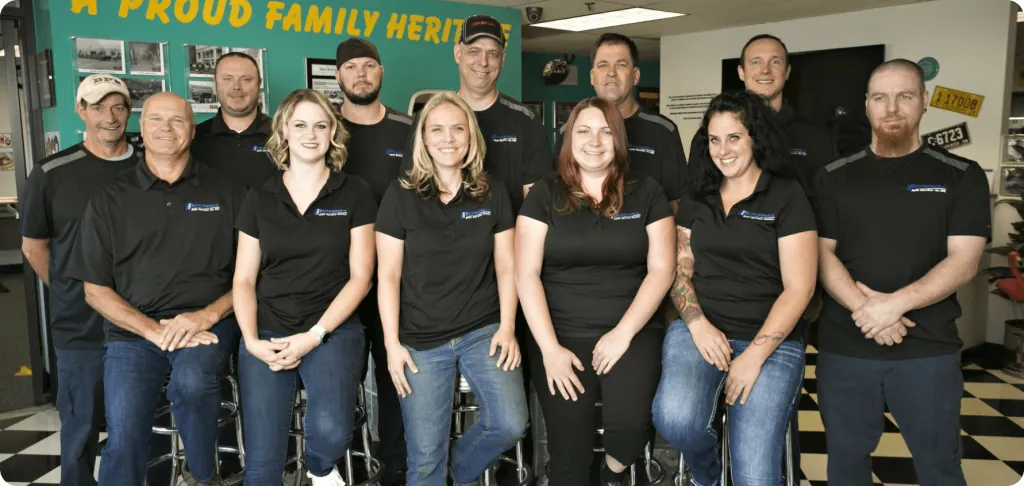
Good Zone Shop & Repair Service is located in Brooklyn. Our service provides customers with fast, fair, and affordable device repairs.
No longer needing to worry about purchasing new devices because of unexpectedly costly repair fees, GoodZone repair is the perfect solution for you.
It means running First Aid in Disk Utility to check the drive and fix errors on it. If the drive itself has failed, it needs a replacement.
It depends on the model. Many older MacBooks have a removable drive that can be swapped; on recent models the storage is soldered to the logic board and cannot be upgraded.
Not in every MacBook. Older MacBooks with a 2.5-inch drive bay take a standard SATA SSD; other models use an Apple-specific connector. We check the model before we quote.
Yes! You can replace it on MacBook Pro models that shipped with a hard drive. Rather, it’s a better option for your Mac as an SSD is more durable, faster, and more efficient, with many other pros over hard drives.